Scan locally
Read package manifests, lock files, and native binaries. Scans run offline by default and never execute files in the selected folder.
PurpleRay / SBOM Analyzer
A small, native desktop application that turns local software artifacts into a software bill of materials. Inspect components, compare scans, and export CycloneDX.
Windows x64 · Linux x64 · macOS availability · Free · Open source · Apache-2.0
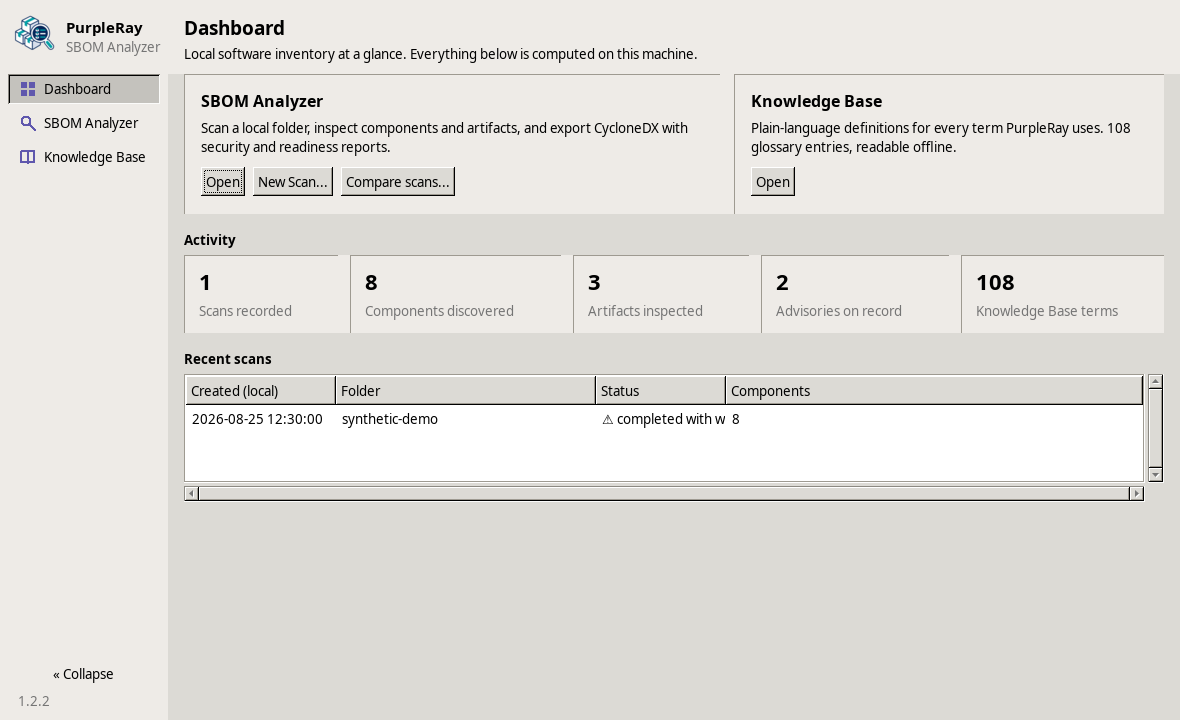
From files to an inventory
Read package manifests, lock files, and native binaries. Scans run offline by default and never execute files in the selected folder.
Explore components and their evidence, compare completed scans, and review known issues through an optional OSV.dev check.
Produce a deterministic CycloneDX SBOM, export security findings, and inspect a BSI readiness report to see where inventory evidence is incomplete.
Online advisory checks are optional and require confirmation each time. They send only eligible, versioned Package URLs to OSV.dev. Readiness reporting helps review the evidence; it does not certify compliance.
Inside PurpleRay
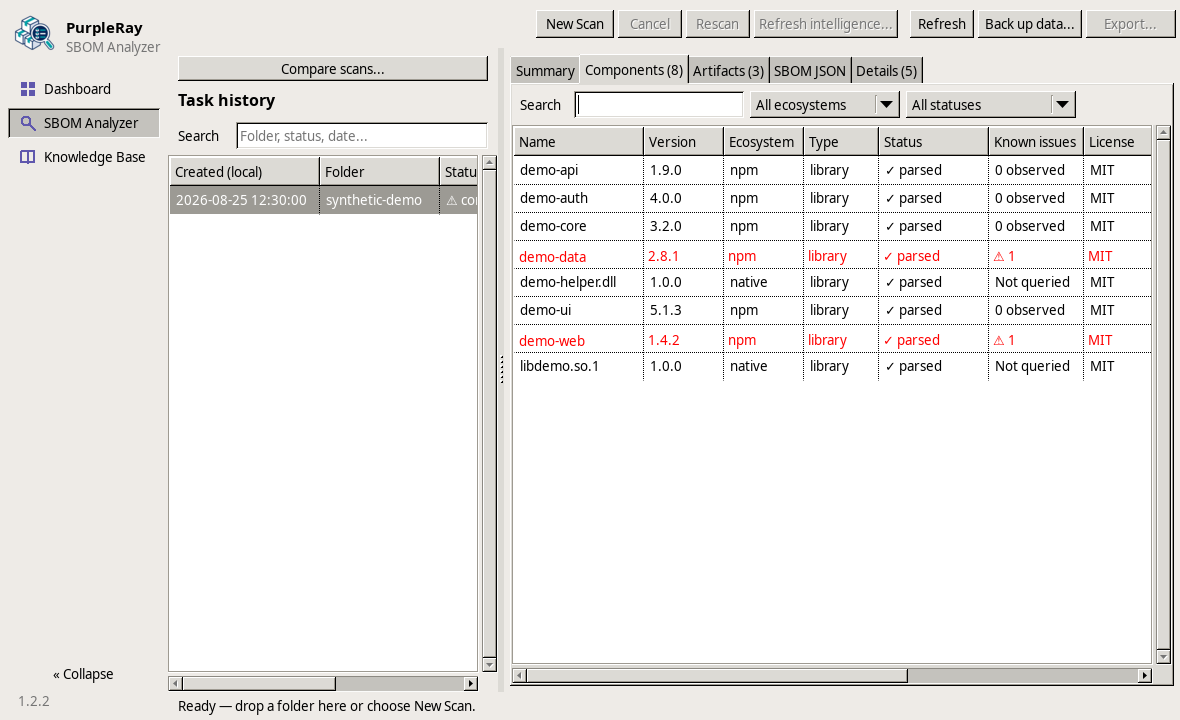
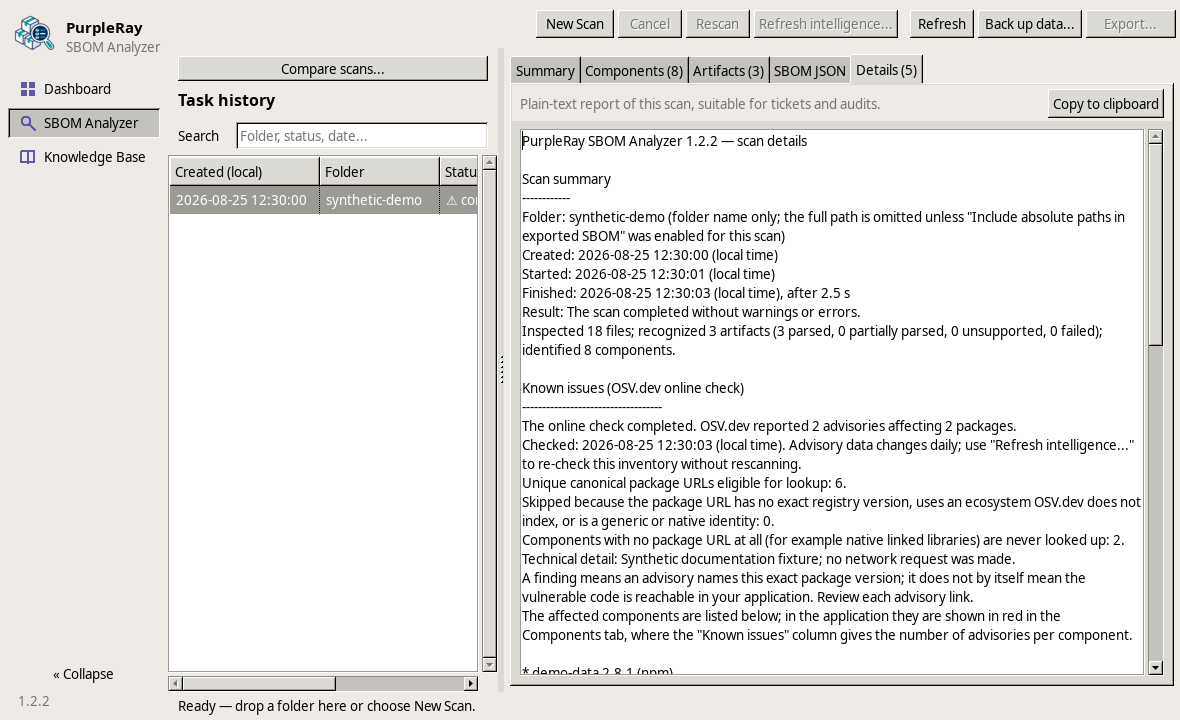
A component inventory and a scan report keep the underlying evidence close at hand. These screenshots use synthetic illustrative data; no live advisory query was made.
Get PurpleRay
Find a package for your platform, with installation instructions and checksums on GitHub. Available versions may differ by platform.
Latest available: v1.4.0
x64 · Extract the ZIP to get started.
Latest available: v1.4.0
x64 · Requires glibc 2.34+ and GTK2. WSL2 supported with WSLg.
Archived release: v0.1.0
Builds temporarily paused.
Experimental archive; current features may be missing.
Package links refresh hourly. Reload this page to see updates. Older builds are marked as archives.
Package downloads across all versions
The latest release is always available on GitHub.
GitHub package downloads across available releases, including prereleases. Excludes metadata and source archives; downloads are not unique users. Refreshed hourly. Removing release assets from GitHub can reduce the total.